Best Free 3D Printing Apps and Websites for Kids: Lucas’s Favorites
For Lucas, a 9-year-old who loves 3D printing and sports, the best projects begin long before the printer starts. They begin with an idea: a custom soccer trophy, a basketball keychain, a mini stadium, or a clever phone stand for watching game highlights.
The right app or website can make that first idea easier to explore. Some tools help kids design their own models, while others offer ready-to-print projects created by makers around the world. Together, they turn screen time into creative 3D printing for kids: and make 3D printing kids fun rather than overwhelming.
These are Lucas’s favorite free or free-to-start resources. Because some platforms include public galleries and community features, an adult should help younger children create accounts, browse designs, download files, and prepare prints.
1. Tinkercad: Lucas’s favorite place to start
Tinkercad is usually the first recommendation for children who are new to 3D design. It runs in a web browser, requires no download, and uses colorful shapes that can be combined, resized, rotated, and grouped.
Lucas likes Tinkercad because it feels a little like building with digital LEGO bricks. He can begin with a cube, cylinder, or sphere and gradually turn those shapes into something useful or fun.
A few ideas for young sports fans include:
- A soccer-ball display stand
- A name tag for a sports bag
- A basketball hoop for a desk
- A medal or trophy
- A whistle-shaped decoration
- A simple stadium with seats and goals
Tinkercad is also useful because it connects design to real-world making. Once a model is ready, an adult can export it and prepare it in slicing software for 3D printing.
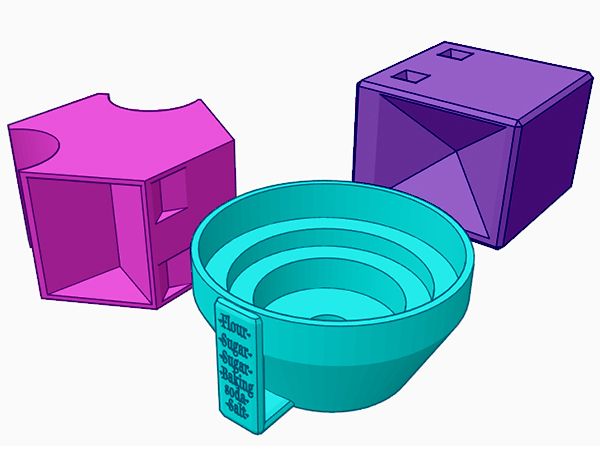
The platform offers beginner projects, classroom resources, and a dedicated 3D-printing education section. It is free, browser-based, and designed with beginners and education in mind.
Lucas’s rating: 5/5
Best for: First-time designers, simple projects, and children who enjoy building with shapes.
2. Makers Empire: The most playful design experience
Makers Empire is designed specifically for young learners. It offers several ways to create, including freeform modeling, block-based building, and more advanced design tools for older students.
The block-based editor is particularly appealing for kids who enjoy experimenting without worrying about complicated menus. Lucas can build a model one piece at a time, test an idea, and make changes as he goes.
Makers Empire also includes tutorials, challenges, an augmented-reality tool, and a print-check feature that can identify possible problems in a design. Those features make it more than a modeling app: it becomes a guided introduction to the full design process.
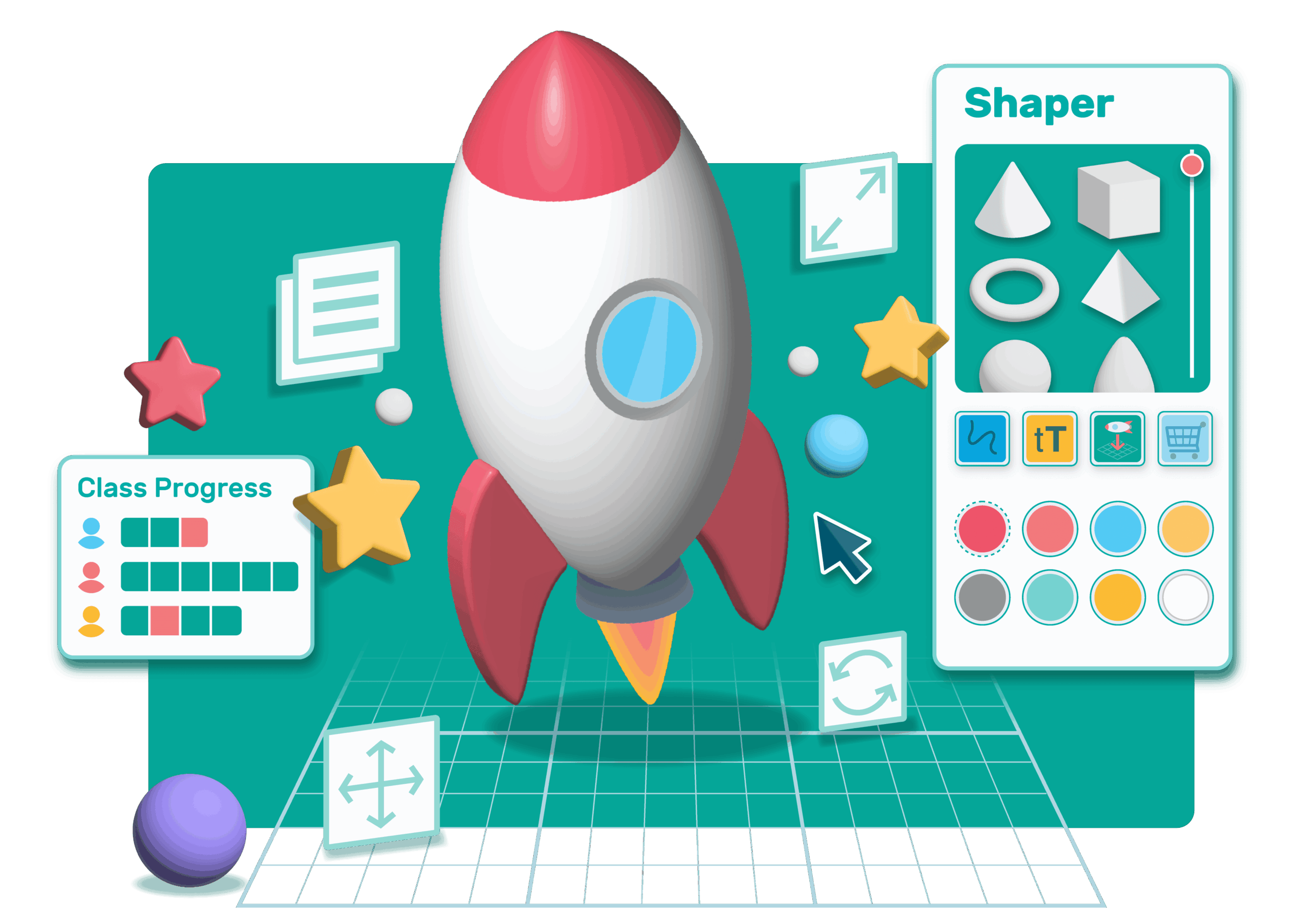
For a sports-themed project, Lucas could design a small soccer goal, a team logo, or a model of a sports arena. He could then discuss what makes the object stable, how large it should be, and which parts need to be changed before printing.
Makers Empire offers a free trial and may be available through a school or classroom program. Since plans and access can change, check the official download and access page before getting started.
Lucas’s rating: 4.5/5
Best for: Younger children, guided challenges, and classroom-style learning.
3. Printables: A carefully curated library of printable models
Sometimes Lucas wants to design from scratch. Other times, he wants to print something interesting right away. That is where Printables can help.
Printables includes free 3D-printable models in categories such as toys, games, education, household objects, and tools. Useful starting points include the educational models, learning toys, and children’s designs sections.
A parent or teacher can choose a small collection of suitable projects and let Lucas select from that list. Good beginner projects might include:
- Puzzles
- Spinning toys
- Simple vehicles
- Desk organizers
- Math learning aids
- Sports-themed decorations
Printables often includes photos, descriptions, suggested settings, and comments from people who have already printed a design. Those details can help an adult decide whether a model is appropriate and likely to work.
However, Printables is a community platform, not a children’s-only website. Lucas should not browse it completely unsupervised. An adult can search, review the model, check the license, and download the files before handing the project over.
Lucas’s rating: 4/5
Best for: Finding ready-to-print toys, puzzles, and educational projects.
4. Thingiverse: A huge source of free 3D-printing ideas
Thingiverse is one of the oldest and largest online libraries for 3D-printable designs. It includes millions of models from creators around the world, with categories for learning, toys and games, gadgets, art, and hobbies.
For Lucas, the toys-and-games section is a natural place to begin. He might find a playing-card holder, a fidget toy, a puzzle, or a small object that can be printed and tested.
Thingiverse is also useful for learning how different designers solve similar problems. Lucas can compare two models, look at their shapes, and ask questions such as:
- Which design uses less material?
- Which object looks stronger?
- Why does one model need support material?
- What could be changed before printing?
- Could I design my own version?

Because Thingiverse contains user-generated content, adults should search and approve files before Lucas downloads them. It is also important to check the model’s license. A free download does not always mean that a design can be sold or used commercially.
Lucas’s rating: 4/5
Best for: Exploring a very large collection of free community designs.
5. MakerWorld: Helpful projects and print profiles
MakerWorld is a free model-sharing platform operated by Bambu Lab. It offers downloadable models, print profiles, and complete 3MF projects. Some projects include recommended settings that can make preparation easier.
Lucas may enjoy MakerWorld when he wants to print an articulated toy, a small gadget, or a model with moving parts. The project pages can also show photographs and information from other makers, giving families more context before starting a print.
MakerWorld is especially convenient for households using Bambu Lab printers, but standard STL files can often be used with other printers as well. Always check the file type and confirm that the recommended settings match the printer and filament being used.
As with Printables and Thingiverse, MakerWorld is a community platform. An adult should search for suitable designs, review the creator’s instructions, and confirm that the model is safe and age-appropriate.
Lucas’s rating: 4/5
Best for: Ready-to-print projects, articulated models, and printer-specific profiles.
6. Blender and FreeCAD: Tools for Lucas’s next stage
Once a child is comfortable with beginner tools, it can be fun to explore more advanced software.
Blender is free and open source. It is excellent for artistic modeling, characters, miniatures, animation, and creative shapes. It has many powerful features, but its interface can feel complicated for a 9-year-old working alone.
FreeCAD is also free and open source. It is better suited to precise, engineering-style designs such as brackets, boxes, stands, and mechanical parts.
Neither tool needs to be Lucas’s first choice. For now, Tinkercad and Makers Empire are more approachable. Blender and FreeCAD are good options to revisit when he wants greater control over measurements, curves, or complex designs.
Lucas’s quick guide to choosing a resource
- Want to design your first model? Start with Tinkercad.
- Want guided, kid-focused challenges? Try Makers Empire.
- Want a free toy or puzzle to print? Ask an adult to browse Printables.
- Want to explore a massive model library? Use Thingiverse.
- Want print profiles and complete projects? Look at MakerWorld.
- Want advanced creative or engineering tools later? Explore Blender or FreeCAD.
Keep the fun safe
The best kids fun comes with a few simple rules. Adults should handle hot printer nozzles, heated beds, sharp tools, and printer maintenance. Children should never reach into a working printer.
It is also wise to use PLA when appropriate, print in a ventilated area, and keep small finished parts away from toddlers and pets. Online, parents should manage accounts, supervise browsing, review downloads, and discuss design licenses.
For Lucas, 3D printing is most exciting when it connects imagination with action. A sports idea becomes a digital model, the model becomes a physical object, and the finished print creates a new idea to improve. That cycle: design, test, learn, and try again: is what makes 3D printing for kids such a rewarding hobby.