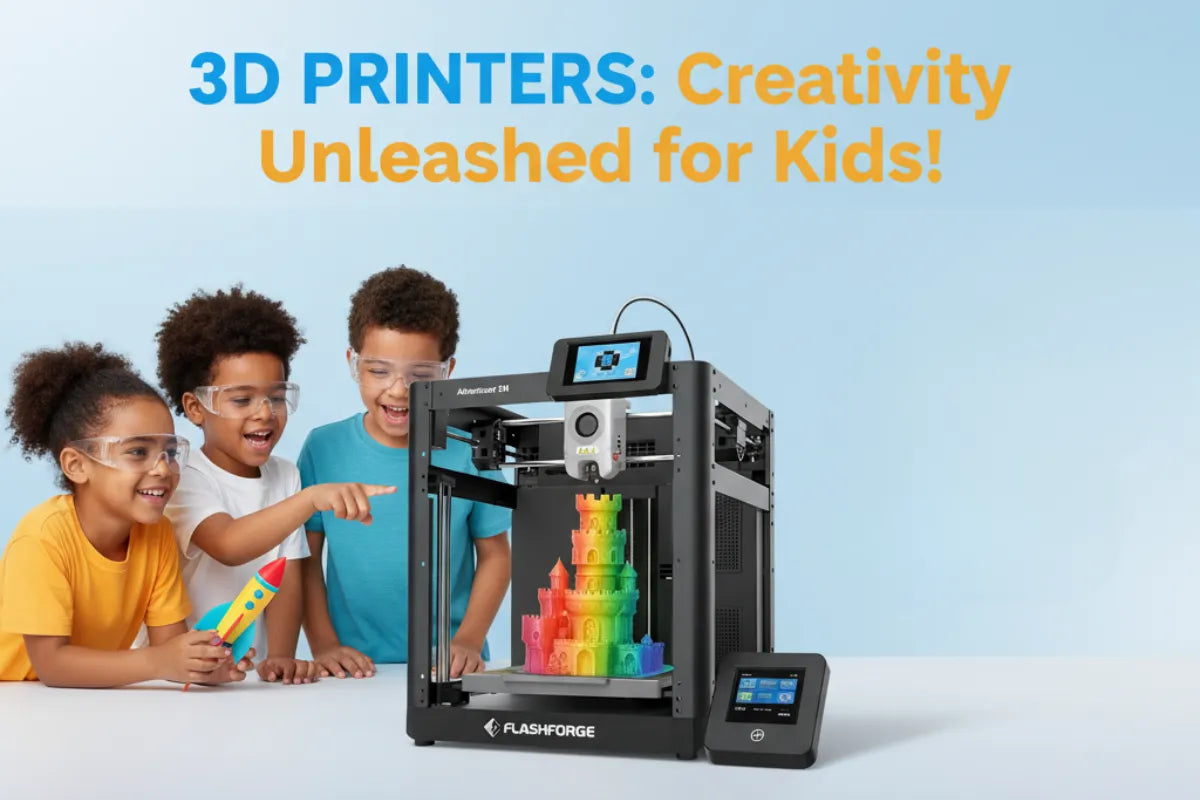
3D Printing Safety for Kids: Lucas’s Rules for Staying Safe
Lucas is nine years old, and his favorite projects usually fall into two categories: things he can print and things he can play with afterward.
He might design a small trophy, a football-shaped keychain, a phone stand for watching a game, or a custom organizer for his sports cards. Like many children interested in 3D printing for kids, Lucas enjoys the moment when a digital idea becomes a real object.
But he also knows that a 3D printer is not a toy.
A printer uses heat, electricity, moving parts, and plastic materials. That does not mean children cannot enjoy 3D printing hobbies for kids. It means every project should begin with a simple safety routine: and an adult should remain involved.
These are Lucas’s rules for staying safe.
Important: This article offers general safety information, not a substitute for the printer manufacturer’s instructions, professional advice, or close adult supervision. Always read the manual for your specific machine.
Rule 1: An adult is always in charge of the printer
Lucas can help choose a model, load a project file, and watch the first layers begin. An adult handles the parts that involve heat, maintenance, troubleshooting, and unexpected problems.
Children should not be left alone with a printer while it is operating. A print can take minutes or several hours, and problems may not be obvious immediately. A loose piece of filament, unusual noise, smoke, a burning smell, or a failed temperature reading requires an adult to stop and inspect the machine.
For a nine-year-old, good supervision means an adult is nearby and able to respond quickly: not simply somewhere else in the house.
The U.S. Consumer Product Safety Commission identifies several possible hazards associated with home 3D printing, including thermal, electrical, mechanical, chemical, fire, and printed-product risks. That is why supervision is a central part of any kid-friendly setup.
Rule 2: Never touch the printer while it is running
This is Lucas’s most important rule:
Watching is allowed. Touching is not.
The nozzle and print bed can become hot enough to cause serious burns. The printer may also have belts, fans, rods, and moving print components that can catch fingers, hair, jewelry, or loose clothing.
Lucas keeps his hands outside the printer while it is printing. He does not touch the nozzle, the bed, the filament path, or the moving frame. He also does not try to fix a print that has gone wrong. Instead, he steps back and calls an adult.
When the print is finished, he waits for an adult to confirm that the printer and printed object have cooled down. “The print is done” does not always mean “the printer is safe to touch.”

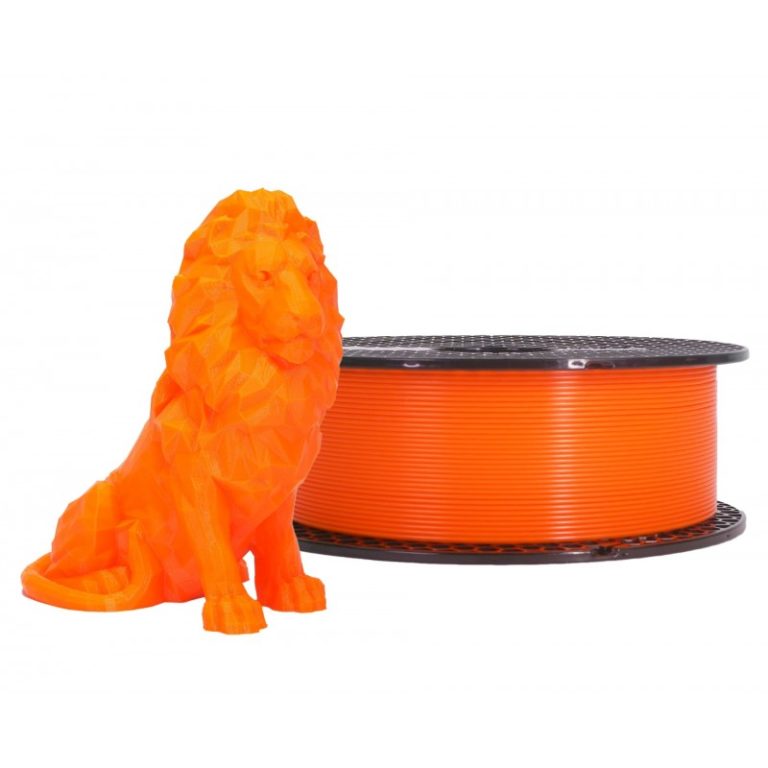
Simple printed objects can make excellent beginner projects, provided they are checked by an adult before use. Image source: Prusa3D.
Rule 3: Choose the right kind of printer
For younger children, a supervised FDM or filament printer is generally a more practical starting point than a resin printer.
FDM printers build objects layer by layer by heating plastic filament. Resin printers use liquid photopolymer materials that require careful handling, cleaning, and curing. Uncured resin should not come into contact with a child’s skin, eyes, or mouth. Resin printing and post-processing are best treated as adult-only activities in a controlled, well-ventilated area.
An enclosed filament printer can add another layer of protection by limiting access to hot and moving components. However, an enclosure does not replace supervision, ventilation, or the manufacturer’s safety instructions.
When families are choosing a printer for 3D printing hobbies for kids, useful features may include:
- A stable base that is difficult to tip over
- An enclosure or protective barrier
- Automatic temperature monitoring
- Thermal runaway protection
- A door or lid sensor
- Clear, simple controls
- Reliable manufacturer support
- Easy access to replacement parts and instructions
The safest choice is not necessarily the printer with the most features. It is the printer that the supervising adult understands and can operate responsibly.
Rule 4: Start with PLA and keep the area ventilated
Lucas usually starts with PLA filament for beginner projects. PLA is popular because it is relatively easy to print and commonly used in educational and home settings. Even so, “easier” does not mean “risk-free.”
Heating plastic can release particles and chemical emissions. The CPSC has highlighted concerns about emissions from 3D printing, particularly when printers are used in poorly ventilated indoor spaces.
A safer setup includes:
- A well-ventilated room
- An open window or suitable air-exchange system when appropriate
- A printer placed away from bedrooms and areas where people spend long periods
- Adequate space around the printer
- Filament stored according to the manufacturer’s instructions
- No paper, fabric, curtains, or other easily combustible materials close to the printer
Families should be especially cautious with materials such as ABS, ASA, nylon, polycarbonate, and composite filaments. These materials may require higher temperatures or additional ventilation and equipment. Children should not choose a material simply because it has a bright color or interesting label.
If a child has asthma, allergies, or another respiratory condition, ask a medical professional about the best setup before beginning regular printing.
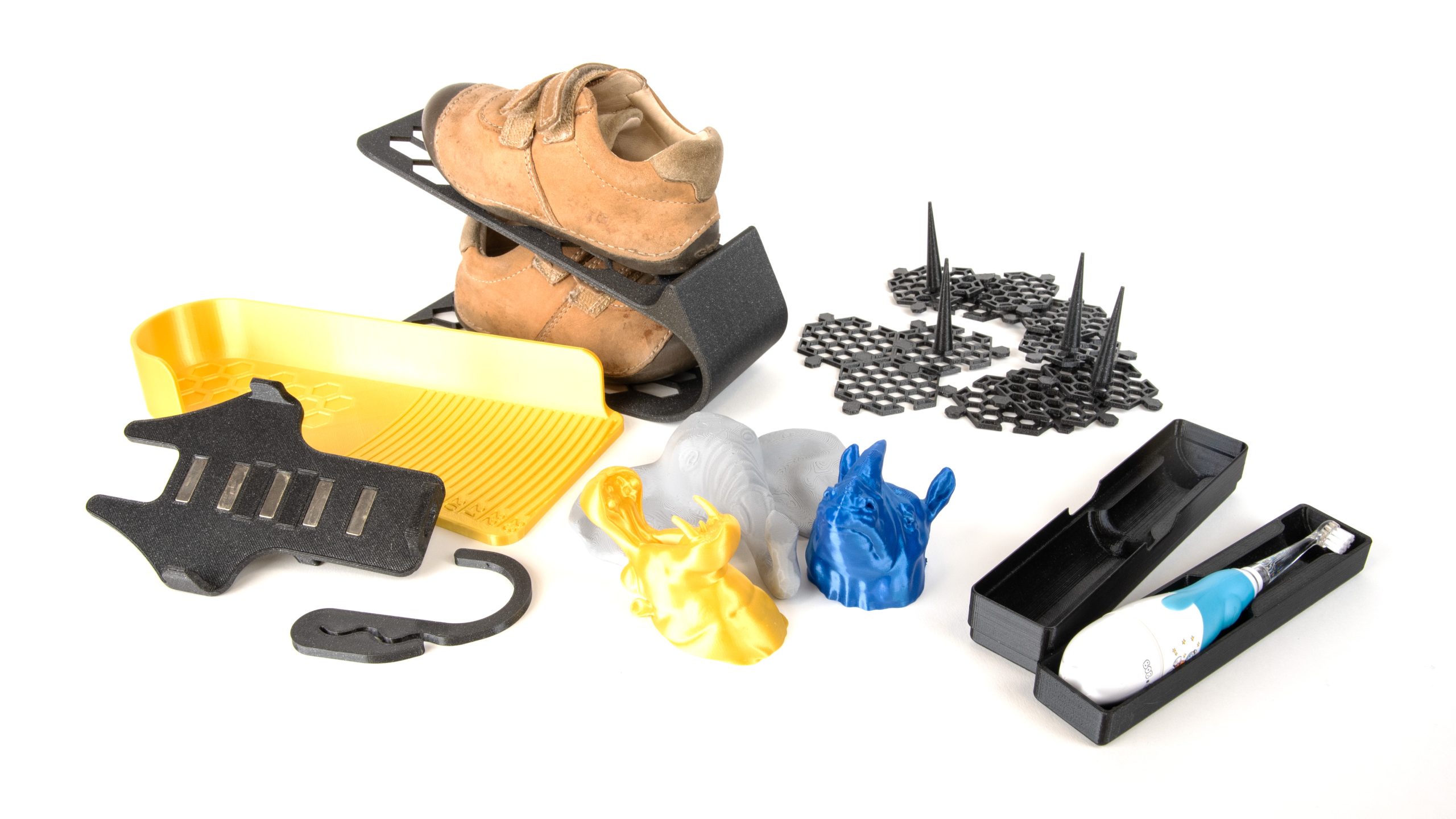
Functional designs can make 3D printing more meaningful for children, but every printed object should be inspected for its intended use. Image source: Prusa3D.
Rule 5: Keep hair, clothes, food, and drinks away
Before Lucas starts a project, he checks his workspace.
Long hair is tied back. Loose sleeves are rolled up. Necklaces, bracelets, and other dangling items are removed. Food and drinks stay away from the printer, and he washes his hands after handling filament or finished prints.
These habits may seem simple, but they help children treat the printer like a tool rather than a toy. A clear workspace also makes it easier for an adult to see whether anything is out of place.
The printer should sit on a stable, heat-resistant surface. It should not be placed where a child could accidentally pull it down, where cables create a trip hazard, or where the machine can be reached by younger children without permission.
Rule 6: Stop immediately if something looks wrong
Lucas knows that a failed print is not an emergency: but ignoring warning signs can create one.
He tells an adult immediately if he notices:
- Smoke or sparks
- A strong or unusual smell
- A damaged cable or exposed wire
- Grinding, clicking, or unusual mechanical noises
- Filament wrapping around moving parts
- A printer that shifts, rocks, or begins to tip
- A temperature warning or error message
- A print that has detached and is interfering with the machine
He does not unplug, move, open, or repair the printer by himself. An adult should turn it off safely and follow the manufacturer’s instructions.
If there is smoke or fire, everyone should move away and an adult should follow the home’s emergency plan. A smoke alarm should be installed in the area, and safety features such as thermal protection should never be disabled.
Rule 7: Inspect every printed object before using it
The printer is only one part of safety. The finished object matters too.
Before Lucas uses a print, an adult checks it for:
- Sharp edges or points
- Loose strings and fragments
- Cracks or fragile sections
- Tiny pieces that could be swallowed
- Rough surfaces that could cause cuts
- Weak joints or parts that may break
- Materials unsuitable for contact with food or skin
A decorative trophy for Lucas’s room is different from a toy for a toddler. A small printed part could become a choking hazard, and a fragile model could break into sharp pieces.
3D-printed objects should not automatically be treated as food-safe, medical devices, protective equipment, or load-bearing parts. A model that looks strong may not be suitable for climbing, supporting weight, protecting against impact, or holding hot food.

Printed projects can be creative and functional, but construction, materials, and intended use should always be reviewed by an adult. Image source: Prusa3D.
Rule 8: Make safety part of the project
For Lucas, safety is not something that stops the fun. It is part of designing well.
Before printing a new sports project, he and an adult ask:
- What is the object for?
- Who will use it?
- Could it break into small pieces?
- Does it have sharp edges?
- Is the material suitable for the purpose?
- Does the printer need special settings?
- Where will the print be used?
- What should we do if the print fails?
This approach turns 3D printing into more than a craft. It teaches planning, problem-solving, responsibility, and design thinking: skills that can support children’s interests in engineering, sports equipment, art, and technology.
Lucas’s favorite rule is also the simplest:
If you are not sure, stop and ask an adult.
With an appropriate printer, sensible materials, good ventilation, and close supervision, children can explore 3D printing safely and confidently. Whether Lucas is making a miniature basketball hoop, a football display stand, or a custom part for his next project, the goal is the same: create something useful, learn from the process, and make safety the first design decision.
For more about Lucas’s interests and professional projects from Lucas Gorgan, visit lucasgorgan.com.