3D Printing Hobbies for Kids: 20 Things Lucas Has Already Made
At nine years old, Lucas has already discovered that 3D printing is more than watching a machine build an object layer by layer. For him, it is a way to turn ideas into toys, tools, games, and sports equipment.
His favorite projects usually combine two interests: making things and being active. Some prints started as simple models he found online. Others began as rough ideas that he shaped into something usable. Not every print worked on the first attempt, but every project taught him something new.
That is what makes 3D printing hobbies for kids so rewarding. Children can experiment with design, problem-solving, patience, and creativity while making objects they genuinely care about.
Here are 20 things Lucas has already made.
1. A personalized name keychain
Lucas’s first successful projects included simple keychains. He designed one with his name and another with a small sports symbol. Keychains are ideal starter projects because they are quick to print and easy to personalize.
He learned that letters need to be large enough to remain readable and that small holes need enough space for a key ring.
2. A pencil holder
Lucas made a compact pencil holder for his desk. The first version was a basic cylinder, but he later adjusted the shape and added a wider base so it would not tip over.
This was one of his first practical designs. Instead of printing something that simply looked interesting, he created an object that solved a small everyday problem.
3. An articulated dinosaur
The articulated dinosaur was one of Lucas’s favorite early prints. Its legs, tail, and body sections move without needing to be assembled separately.
He enjoyed testing how much movement each joint had and quickly learned that printed parts need to be strong enough to survive play. The dinosaur became a regular companion during imaginative games.
4. A spinning top
Lucas designed and printed a spinning top, then made several versions with different shapes and weights. Some spun smoothly. Others wobbled or stopped almost immediately.
That made the project especially interesting. He began comparing symmetry, balance, and the position of the center point. Tinkercad’s spinning top activity explores many of the same ideas through hands-on design.
5. A click-and-fidget toy
Lucas made a small fidget toy with moving sections that click as they turn. He liked the design because it was both fun to handle and challenging to print.
The project also taught him about tolerances. If the moving parts were too close together, they fused. If the gaps were too large, the toy felt loose.
6. A small animal puzzle
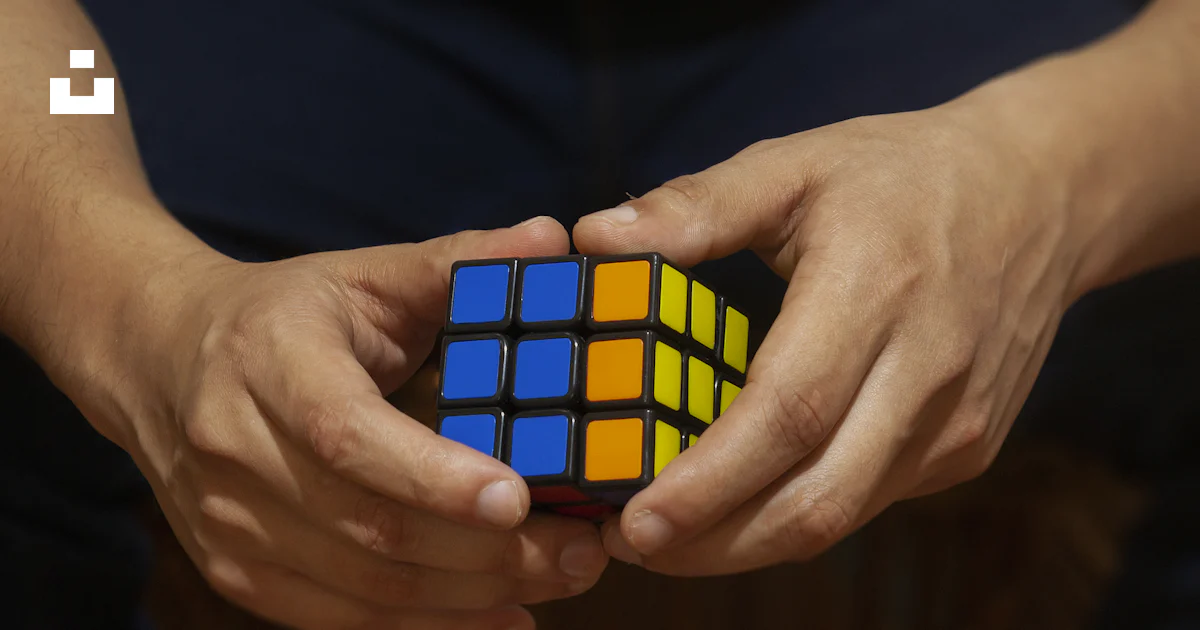
Lucas printed a simple animal-shaped puzzle with chunky pieces. He chose a design that was easy to hold and then tested whether the pieces fit together correctly.
Puzzles are a good example of how 3D printing can support 3D printing kids fun without requiring a complicated machine setup. The finished object becomes a game, while the design process introduces shapes, spacing, and problem-solving.
7. A phone stand
Lucas made a small phone stand for watching videos about sports and making. He adjusted the angle several times before finding a position that kept the phone steady.
The project showed him that a useful design does not have to be complicated. A few carefully placed shapes can create something functional.
8. A soccer medal
Soccer is one of Lucas’s favorite sports, so making a medal was an obvious choice. He designed a round medal with a raised soccer-ball pattern and added a slot for a ribbon.
He printed several versions, experimenting with thickness and the size of the center design. The final medal became a small award for a family soccer challenge.
9. A miniature basketball hoop
Lucas made a tabletop basketball hoop with a backboard, rim, and net attachment. It was small, but it gave him a way to practice shooting with a lightweight ball indoors.
The first rim broke during testing, so he strengthened the connection between the rim and the backboard. That redesign was more important than the original print: Lucas learned to observe what failed and improve it.
10. A basketball-shaped key tag
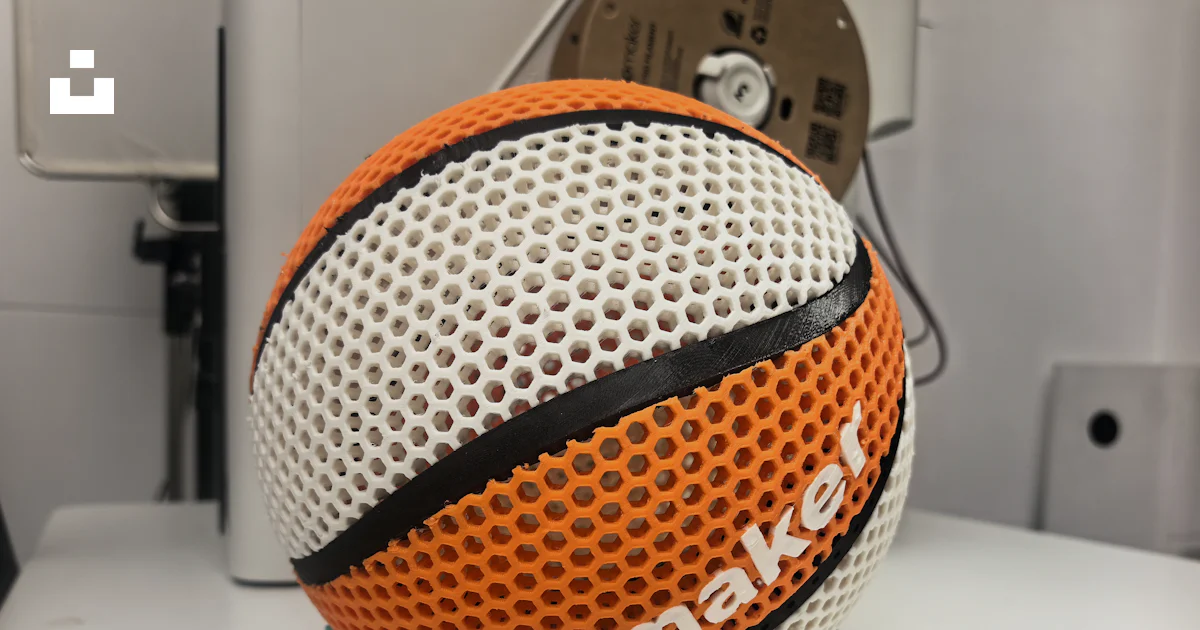
For another basketball project, Lucas printed a small key tag with a textured ball pattern. The design was simple enough to finish quickly, which allowed him to try different colors and sizes.
He also learned that raised details need to be large enough to show clearly after printing.
11. A football helmet token
Lucas made a small football helmet-shaped token for games. It was not designed to be worn or used as protective equipment; it was simply a miniature object for collecting and playing.
Making the token helped him understand how curved surfaces and small details behave when converted from an idea into a 3D model.
12. A mini soccer goal
Lucas printed connectors for a small soccer goal and used lightweight rods to complete the frame. This project combined 3D printing with other materials instead of trying to print the entire object.
That approach gave him a useful lesson: 3D printing does not have to produce every part. Sometimes the best design uses printed connectors, wood, cardboard, or string together.
13. A sports trophy
Lucas created a small trophy with a round base and a raised star. He made it as a prize for a family sports competition.
The trophy is one of his favorite prints because it represents both sides of his hobby. He enjoyed designing the object, but he also enjoyed deciding who had earned it.
14. A medal display stand
After making several medals, Lucas designed a stand to hold them. The first version was too narrow, so the medals leaned against one another. He widened the base and added a small raised edge.
This was a practical example of iteration. The design became better because Lucas used the object, noticed the problem, and changed it.
15. A stopwatch stand
Lucas printed a stand for a stopwatch so he could see the display during practice. He adjusted the angle to make the screen easier to read from a short distance.
This project connected design with sports training. A small object could make an activity more organized and convenient.
16. A sports card holder
Lucas made a simple holder for sports trading cards. He designed a slotted base that kept the cards upright without covering the main picture.
He tested the slot width with different cards and discovered that measuring is important. A design can look correct on screen and still need adjustment in the real world.
17. A shoe charm
Lucas designed a small sports-themed shoe charm. He used a simple shape so it would be lightweight and added a loop for attaching it securely.
The project was inspired by Tinkercad’s shoe charm activity, which introduces personalization, scale, and designing for a physical object.
18. A small racing car
Lucas printed a small racing car and tested it on different surfaces. He changed the wheel size and body shape to see whether the car would travel farther.
This became a family race. The important part was not which car won; it was how quickly Lucas wanted to redesign the next version.
19. A sports equipment organizer
Lucas made a small organizer for items such as whistles, wristbands, and small balls. He designed separate sections so everything had a place.
The organizer helped him think about dimensions before printing. He needed to estimate how much room each item required and leave enough space to remove it easily.
20. A custom Lucas logo
Lucas’s most personal project was a simple logo featuring his name and a small geometric sports symbol. He used it on a desk plaque and a few small tags.
This print represents how far his interest has developed. He is no longer only downloading models. He is beginning to think like a designer, creating objects that reflect his personality.
What Lucas has learned from 3D printing
Lucas’s projects have taught him that 3D printing is a process of testing and improving. A model may look perfect on the screen but wobble, break, or fit incorrectly once printed.
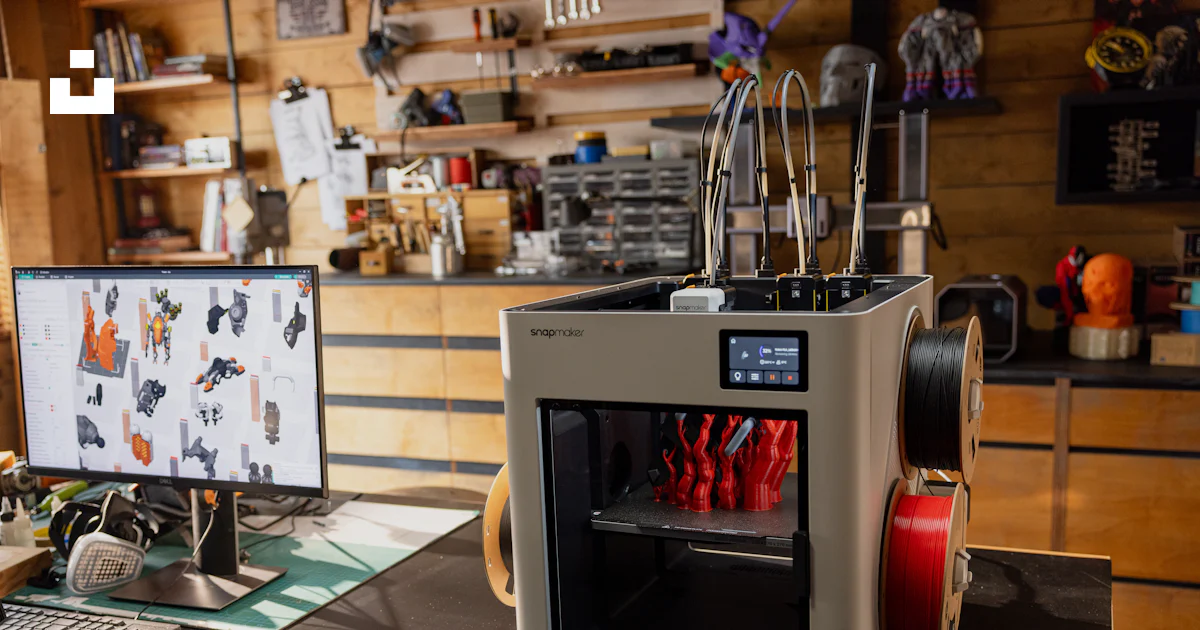
For children, adult supervision is essential. An adult should manage the printer’s hot components, moving parts, setup, and material choices. A supervised filament printer using PLA is generally a more appropriate starting point for children than resin printing. Finished objects should also be checked for sharp edges, weak parts, or small pieces.
For the design side, Tinkercad’s 3D-printing resources offer beginner-friendly tutorials and activities, including keychains, fidget toys, spinning tops, boats, and STEM racers. Lucas has learned many of the same fundamentals by making objects connected to the things he already enjoys.
That may be the biggest lesson from his experience: 3D printing for kids works best when the projects feel personal. A child who loves sports may want to make medals, goals, trophies, or organizers. Another child may prefer animals, puzzles, vehicles, or fantasy figures.
Lucas still has plenty of ideas on his list. For now, he is enjoying the cycle of imagining, designing, printing, testing, and trying again. That combination of creativity and action is what makes 3D printing one of his favorite hobbies.