What to Do When a Print Fails: A Simple Checklist for Young Makers
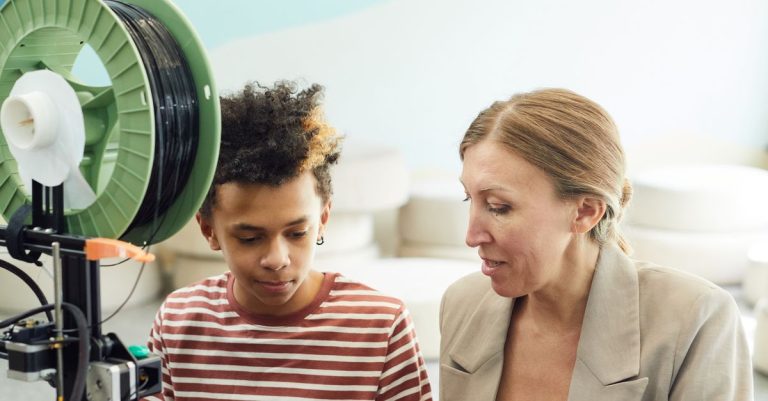
A failed 3D print can look messy, but it can also teach you something useful. Lucas has seen prints slide, curl, turn into plastic “spaghetti,” or come out weak. He does not fix these problems alone. He looks closely at what happened with a parent, then tries one small change at a time.
That is the main lesson: a failed print is information, not a failure.
1. If the print will not stick
First, look at the bottom of the print. Did it move, slide, or come loose?
With an adult’s help, check:
- Is the print bed clean?
- Is the first layer flat against the bed?
- Did the print start in the right place?
- Was the bed ready for the type of plastic being used?
Fingerprints and dust can make it harder for plastic to stick. An adult can clean the bed, check the printer, and start the print again. Watch the first few minutes together. If the first layer looks wrong, stop early instead of using more plastic.

2. If the corners lift
Sometimes a print begins well, but its corners slowly curl upward. This is called lifting or warping.
Check for:
- A dirty bed
- A room that is too drafty
- A large model with wide, flat corners
- A first layer that did not stick well
An adult may move the printer away from a fan or open window and check the bed again. The family can also choose a model with a smaller base while learning. Lucas compares the lifted print with an earlier print to see what changed.
3. If the printer makes spaghetti
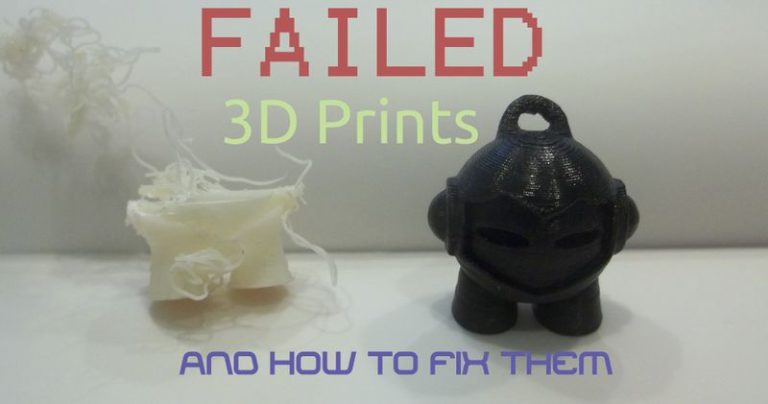
“Spaghetti” means the printer is putting plastic in the air instead of building the model. Often, the model came loose from the bed.
Pause the printer with an adult and look at the print. Did the bottom come free? Is the filament feeding smoothly? Is the nozzle still making a normal line?
Do not touch hot printer parts. An adult can remove the failed plastic, check the filament path, and inspect the nozzle. Then try a small model and watch it more closely.

4. If layers are weak or stringy
A print may have thin hairs between parts, gaps, or layers that pull apart easily. Check whether the filament is feeding smoothly and whether the print looks different from the model preview.
An adult can check the printer’s recommended material settings and try a fresh, dry spool. Lucas can help compare two test prints and describe what he sees.
For more troubleshooting ideas, families can read Prusa’s guide to common 3D-printing errors or Creality’s beginner guide.

In Palos Verdes and Los Angeles, 3D printing can be part of many 3D printing for kids, 3D printing kids fun, and 3D printing hobbies for kids activities. The goal is not to get every print perfect. The goal is to look carefully, ask questions, and learn what the printer is showing you.
Excerpt:
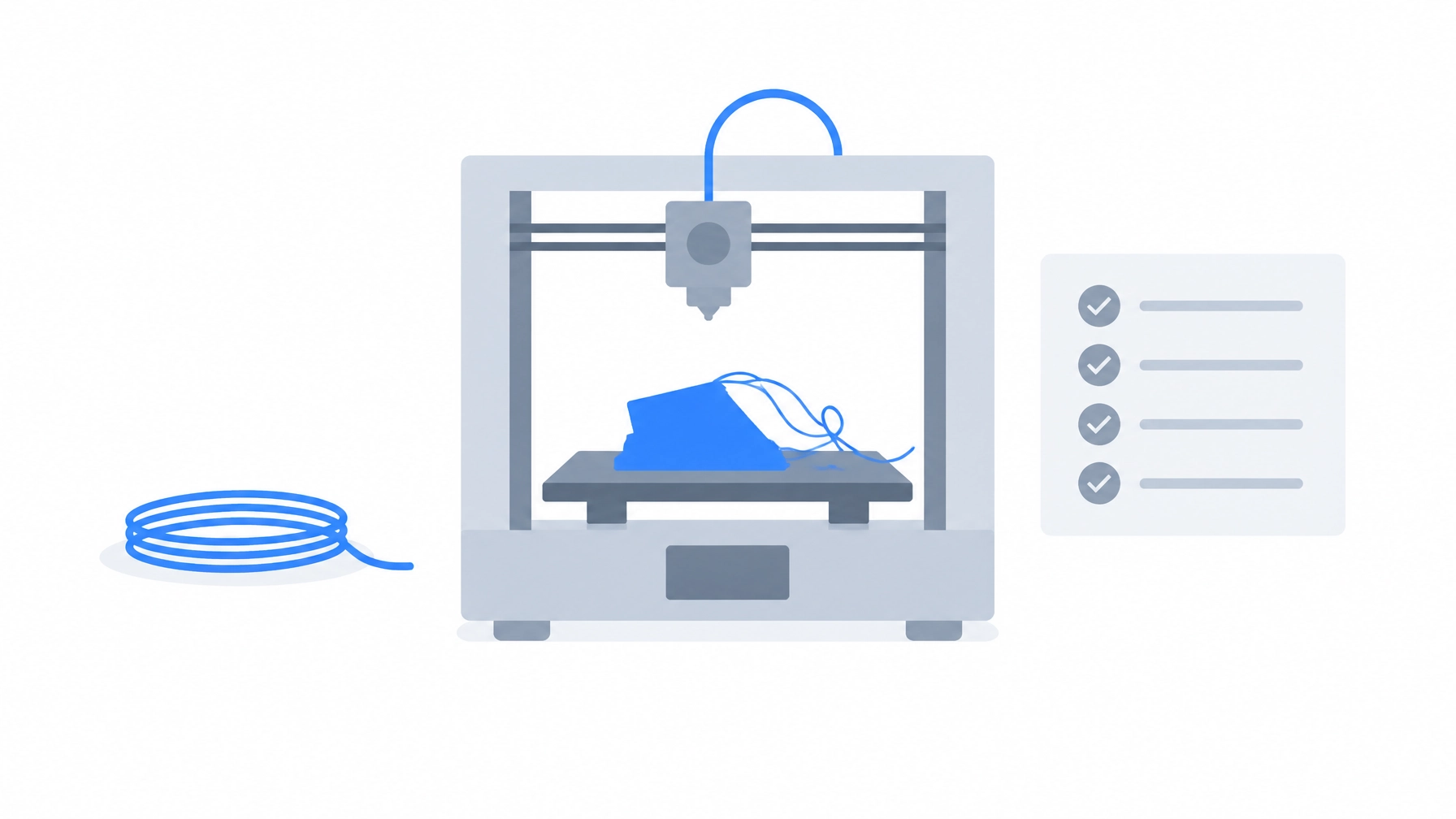
A failed 3D print is not wasted effort. It is a clue. This simple checklist helps young makers and their families understand what went wrong and choose one safe next step.
Suggested image caption:
A failed print can help young makers learn what to check next. Original illustration.